git安装博客

一、准备工作
1.GitHub账号
需要有一个GitHub账号,没有的话到 官网 申请一个。
注册很简单,不懂的话可以参考 GitHub申请账号
2.安装Git
在自己电脑上安装好Git,hexo部署到GitHub时要用。
网上找篇教程或者参考 Git安装(Windows)
https://zhuanlan.zhihu.com/p/607970211
3.安装NodeJS
在自己电脑上安装好NodeJS,Hexo是基于NodeJS编写的,所以需要安装NodeJS和npm工具。
网上找篇教程或者参考 NodeJS安装及配置(Windows)
https://blog.csdn.net/yaorongke/article/details/119084295
提示:
若使用npm安装,报错:
npm ERR! code EPERM
npm ERR! syscall mkdir
npm ERR! path E:\blog\node\node_cache_cacache
npm ERR! errno -4048
npm ERR! Error: EPERM: operation not permitted, mkdir ‘E:\blog\node\node_cache_cacache’
npm ERR! [Error: EPERM: operation not permitted, mkdir ‘E:\blog\node\node_cache_cacache’] {
npm ERR! errno: -4048,
npm ERR! code: ‘EPERM’,
npm ERR! syscall: ‘mkdir’,
npm ERR! path: ‘E:\blog\node\node_cache\_cacache’
npm ERR! }
npm ERR!
npm ERR! The operation was rejected by your operating system.
npm ERR! It’s possible that the file was already in use (by a text editor or antivirus),
npm ERR! or that you lack permissions to access it.
npm ERR!
npm ERR! If you believe this might be a permissions issue, please double-check the
npm ERR! permissions of the file and its containing directories, or try running
npm ERR! the command again as root/Administrator.
npm ERR! Log files were not written due to an error writing to the directory: E:\blog\node\node_cache_logs
npm ERR! You can rerun the command with --loglevel=verbose to see the logs in your terminal
解决方法:
删除.npmrc文件
该文件在:C:\Users{账户}\下的.npmrc文件,
一般这种类型的都是默认被隐藏,一定要选择将隐藏取消掉
二、安装hexo
1.安装hexo
npm install -g hexo-cli
或者
cnpm install -g hexo-cli

安装完成可输入hexo -v查看版本
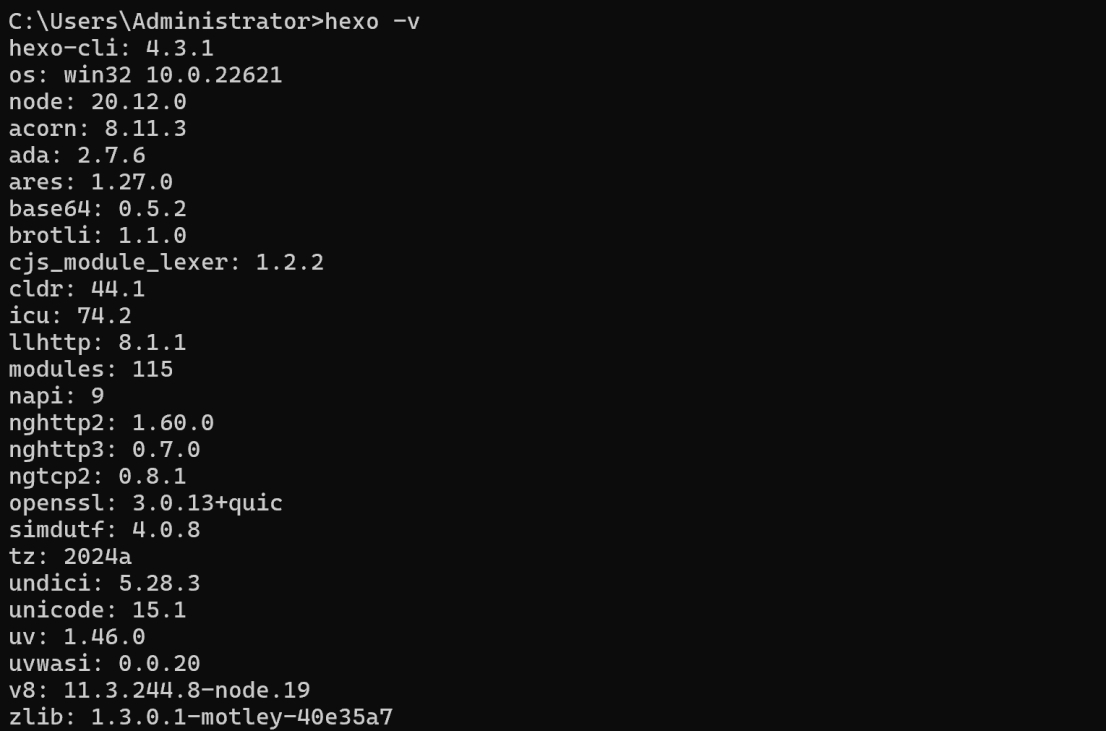
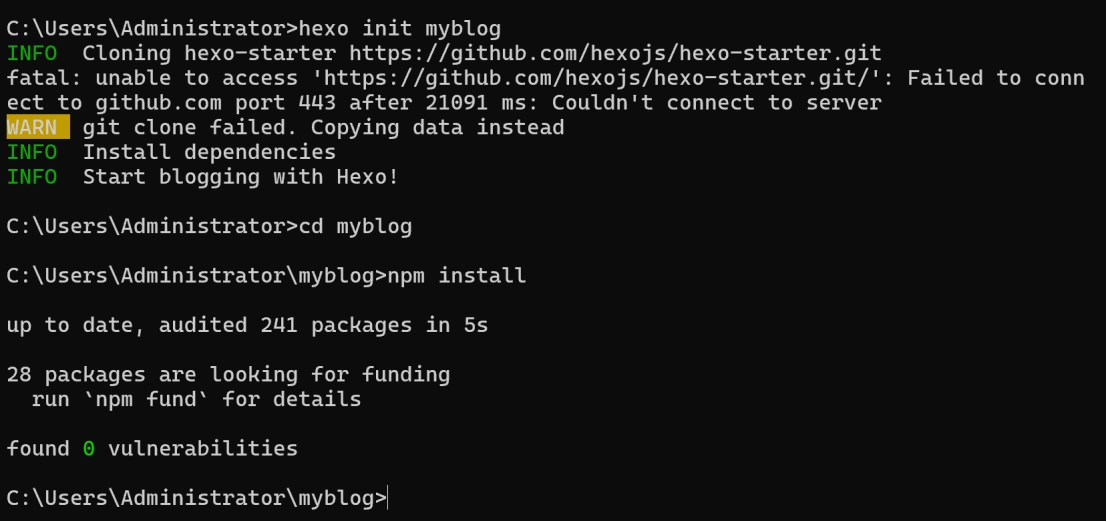
2.初始化hexo,新建存储博客的文件夹
hexo init myblog

3.进入文件夹,安装一下npm
cd myblog
npm install
可以看到我们的hexo站点就已经安装好了,接下来就可以直接启动他了
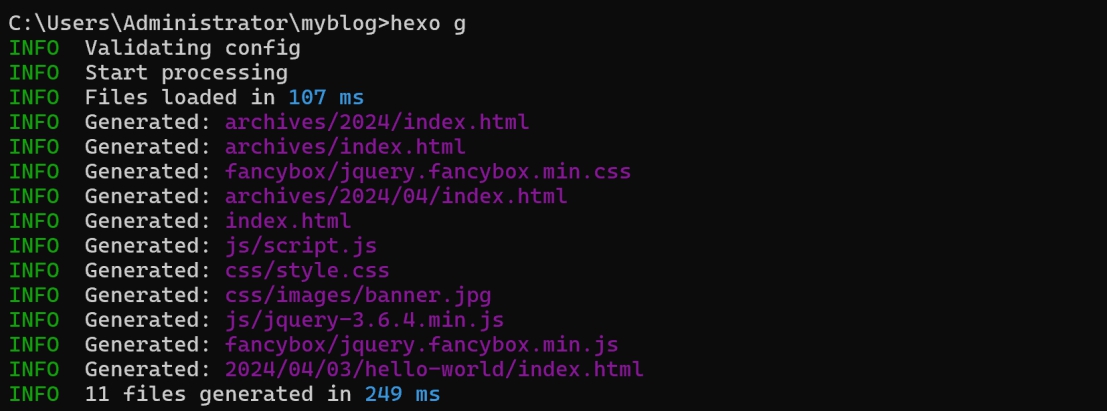
4.启动服务站点
hexo g
hexo server

5.在ubuntu服务器上安装宝塔面板
wget -O install.sh https://download.bt.cn/install/install-ubuntu_6.0.sh && sudo bash install.sh ed8484bec
==================================================================
Congratulations! Installed successfully!
========================面板账户登录信息==========================
外网面板地址: http://121.28.162.183:39994/c22e399f
内网面板地址: http://192.168.111.138:39994/c22e399f
username: kqgjldvh
password: 819f512e
=========================打开面板前请看===========================
【云服务器】请在安全组放行 39994 端口
因默认启用自签证书https加密访问,浏览器将提示不安全
点击【高级】-【继续访问】或【接受风险并继续】访问
教程:https://www.bt.cn/bbs/thread-117246-1-1.html
==================================================================
浏览器访问以下链接,添加宝塔客服
https://www.bt.cn/new/wechat_customer
==================================================================
Time consumed: 4 Minute
https://ohevan.com/vercel-hexo-configuration.html
hexo 也提供了简易方式启动命名:hexo s,启动后在浏览器访问:*http://localhosst:4000*即可打开。
hexo s 启动本地服务
hexo clean 清除缓存
hexo g 打包
hexo new post article 创建一个名称为 article 的文章
hexo new page about 创建一个名称为 about 的路由页面
配置主题
https://redefine-docs.ohevan.com/getting-started
Create a new post
$ hexo new “My New Post”
More info: Writing
Run server
$ hexo server
More info: Server
Generate static files
$ hexo generate
More info: Generating
Deploy to remote sites
$ hexo deploy
git config –global –unset http.proxy
git config –global –unset https.proxy
git config –global http.proxy http://127.0.0.1:7890
git config –global https.proxy http://127.0.0.1:7890
git config –global -l
Git status
Git add –all
Git commit -m “ ”
Git push
- Title: git安装博客
- Author: Xiaoxiao
- Created at : 2024-11-27 11:26:39
- Updated at : 2024-12-07 07:30:36
- Link: https://blog.xh8.shop/2024/11/27/git安装博客/
- License: This work is licensed under CC BY-NC-SA 4.0.